A community you can build
Start with the social feed, give your people a home in Groups, keep the conversation going in Chat, and use CREAM to track a goal.
See the real TRIBE screens ›
01 / CREATOR & BRAND SHOWCASE
TRIBE is Bearback’s ever-expanding 21+ universe. Find your people, build something together, and come back for what happens next.
TRIBE / PLATFORM COMPARISON
A nearby profile can be the first hello. On TRIBE, that hello can become a group, a running conversation, or a weekly ritual.
Start with the social feed, give your people a home in Groups, keep the conversation going in Chat, and use CREAM to track a goal.
See the real TRIBE screens › Grindr
 opens on a grid of nearby profiles. Browse with filters, send a Tap, or start a conversation in chat.
Grindr Help Center Sniffies
 puts a live map at the center, showing nearby cruisers and popular meetup spots.
Sniffies app overview
GROWLR helps people in the bear community find each other, chat, and discover bear events and bars.
GROWLR feature guideSelected platform highlights. Features and access can vary by device, region and membership. TRIBE on the App Store
Turn a post into a recurring series your followers can join.
Give a small group of regulars a welcome thread and a reason to return.
Co-host a useful activity with someone who already knows the community.
Your result A one-week plan with an audience, an activity, a launch date, an owner, and one way to measure it.
02 / THE APP TOUR
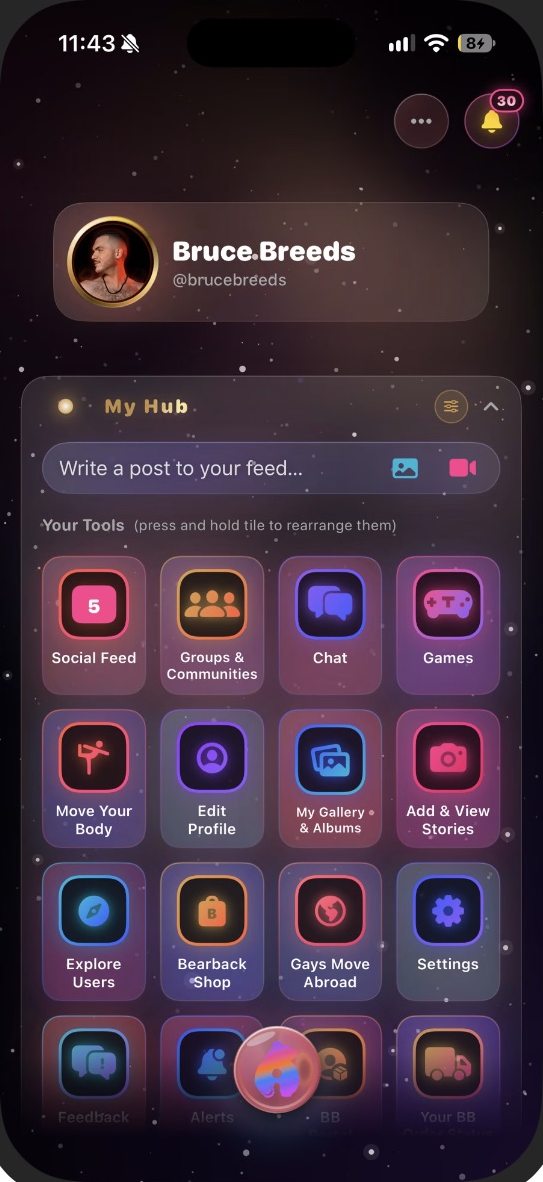
A post gets the conversation going. Give it a home in Groups, keep it moving in Chat, and turn it into a weekly ritual with CREAM.
Here’s how a local fitness creator could host a seven-day walk check-in on TRIBE.
On iPhone · TRIBE 2.0 preview The core tour was captured on a physical iPhone running build 68. The public US iPhone release is 1.4. See release details below for what you can use today.
Open any image to see the full capture in a new tab.
Ask followers when they like to walk. Use a poll or a photo to get people talking, then share the result in your first check-in.
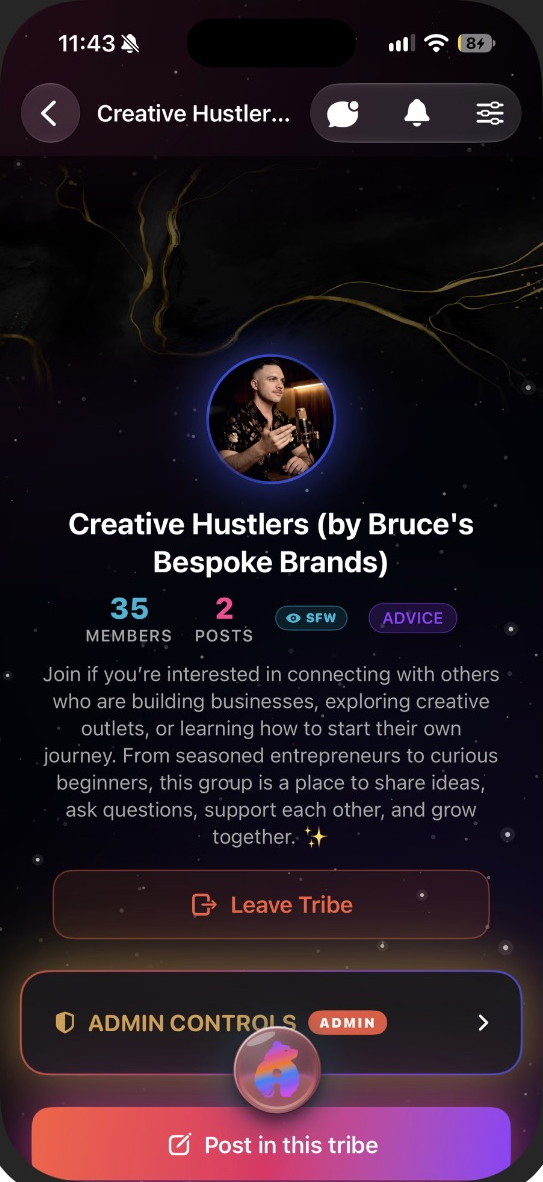
Invite members to a group and pin your welcome post so people know where to check in. Set a day for the recap.
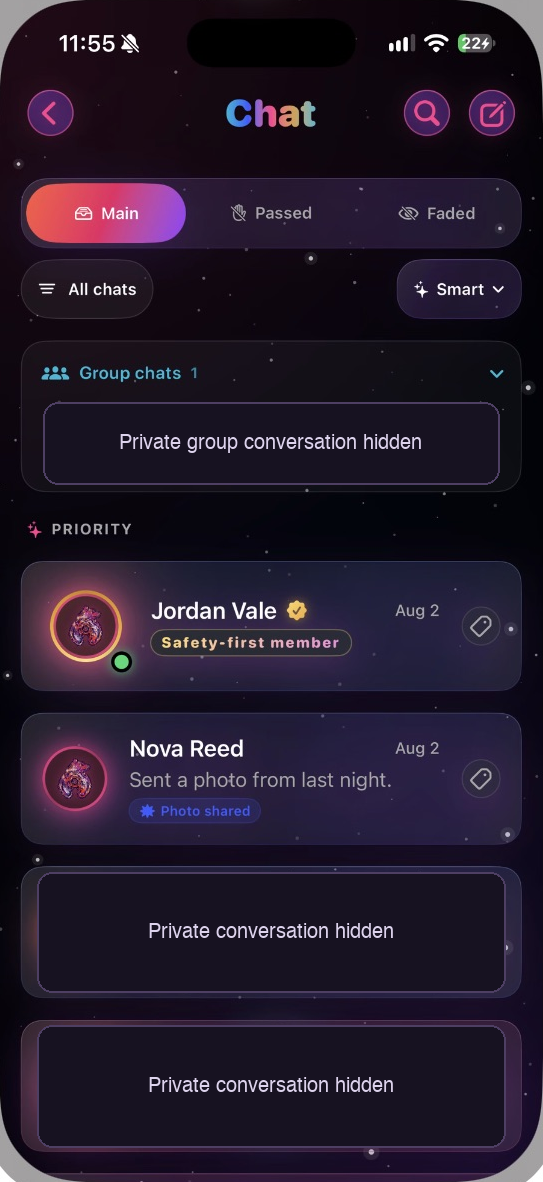
Find group chats and priority conversations in one inbox. Send your co-host a voice note and agree on who will reply to members.
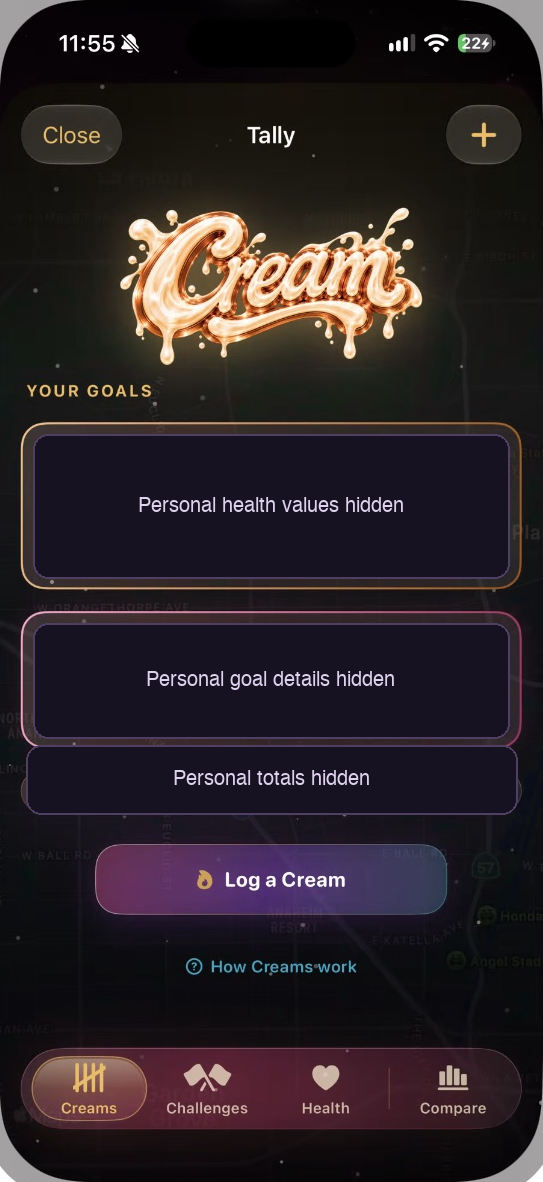
Open My Creams, choose a walking goal and log your progress. Invite members to share a simple check-in before the Sunday recap.
PROFILES / PRIVACY
One account. Two sides. Give your everyday and After Dark profiles their own look, bio and audience.
Choose the photo, name and bio you want people to see on your safe-for-work side. Preview the profile as a visitor before you share it.
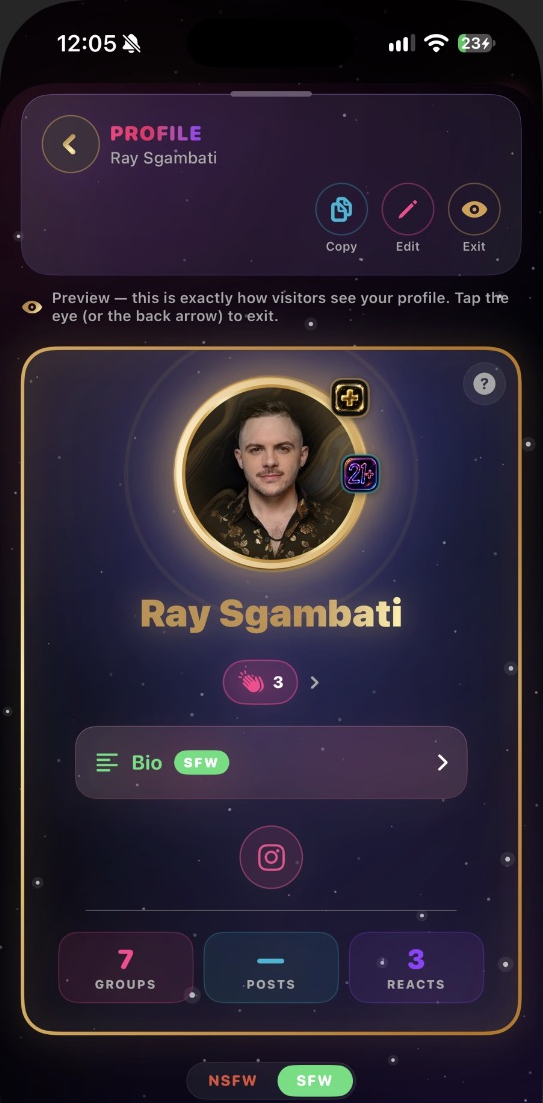
Give your adults-only side a different identity. When you require approval, you decide whose request to accept before they can open that side.
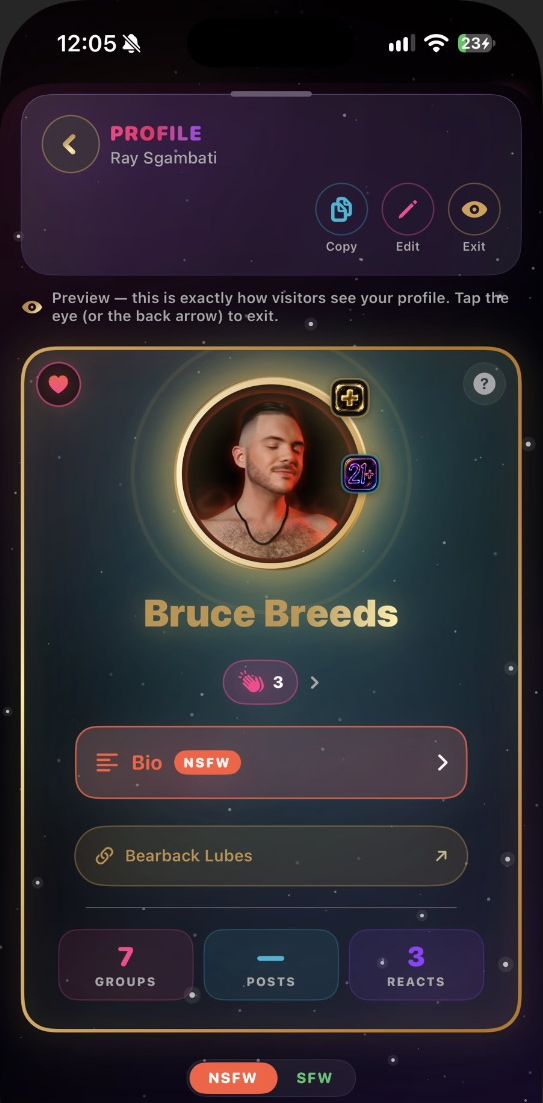
Both sides follow TRIBE’s rules. If a profile restriction or content removal looks wrong, check the moderation notice for the reason and use its appeal option when available to ask for a review.
MORE TO EXPLORE / PREVIEW
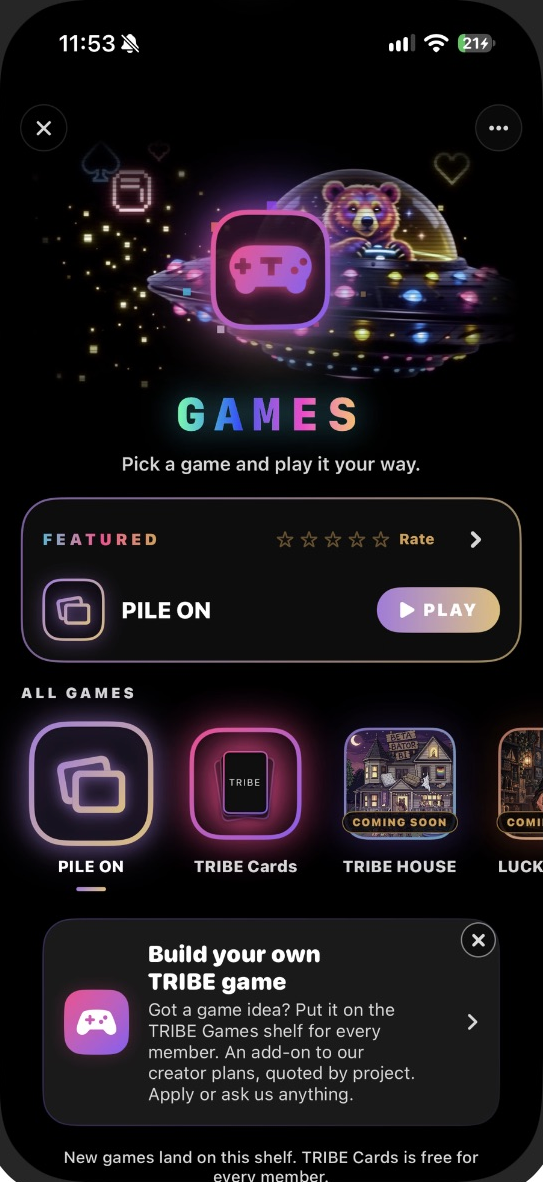
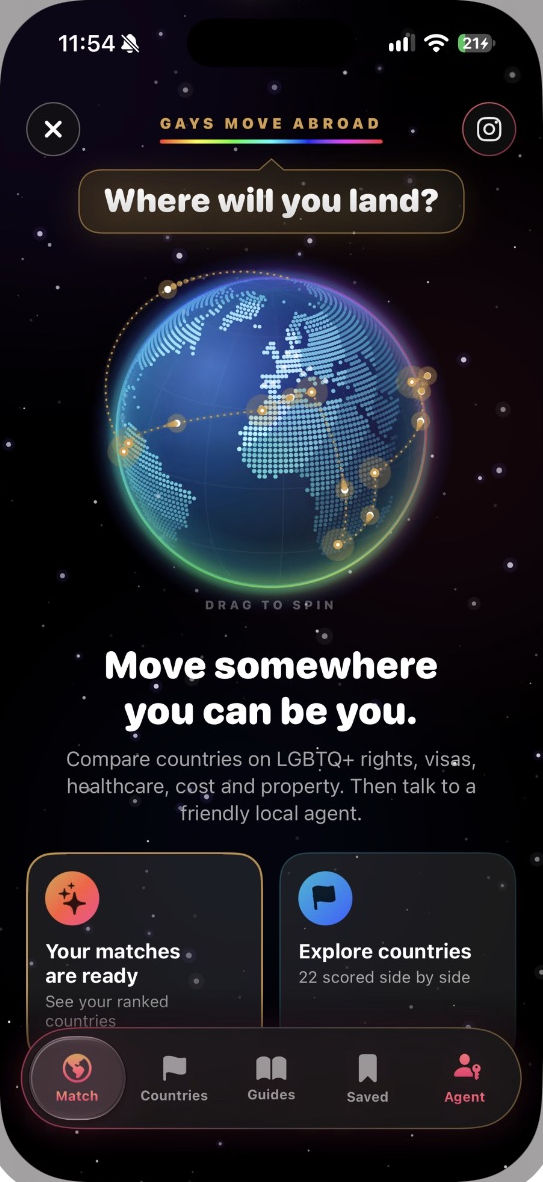
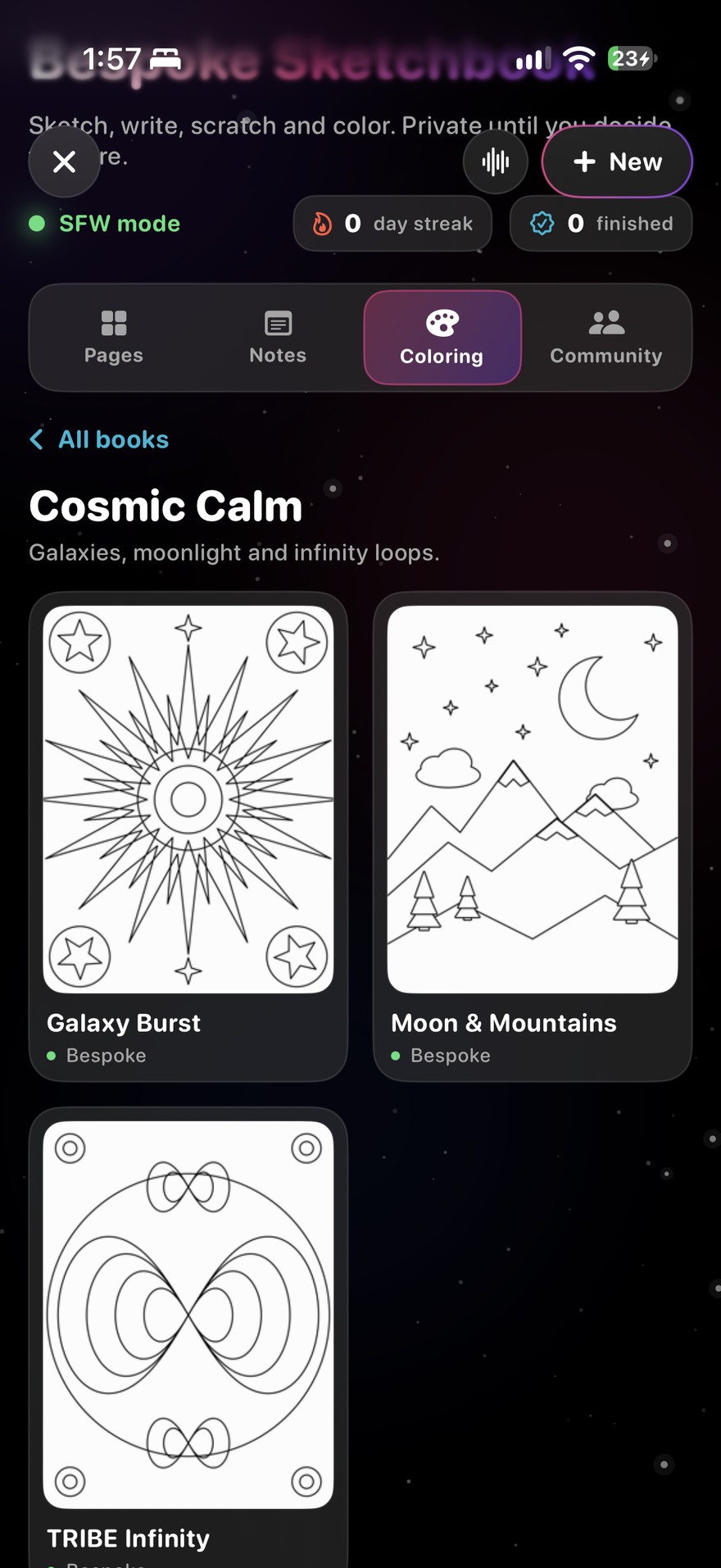
Deal a hand in TRIBE Games, compare countries in Gays Move Abroad, or open a fresh page in Bespoke Sketchbook. There’s a different way in every time.
The screens below are previews. Individual games, apps and tools have their own availability.
Explore the Games shelf. This iPhone preview features Pile On and TRIBE Cards, with upcoming titles marked on their tiles.
Browse TRIBE’s in-app catalog for tools, experiences and featured creators. Add supported tools to My Hub for easy access.
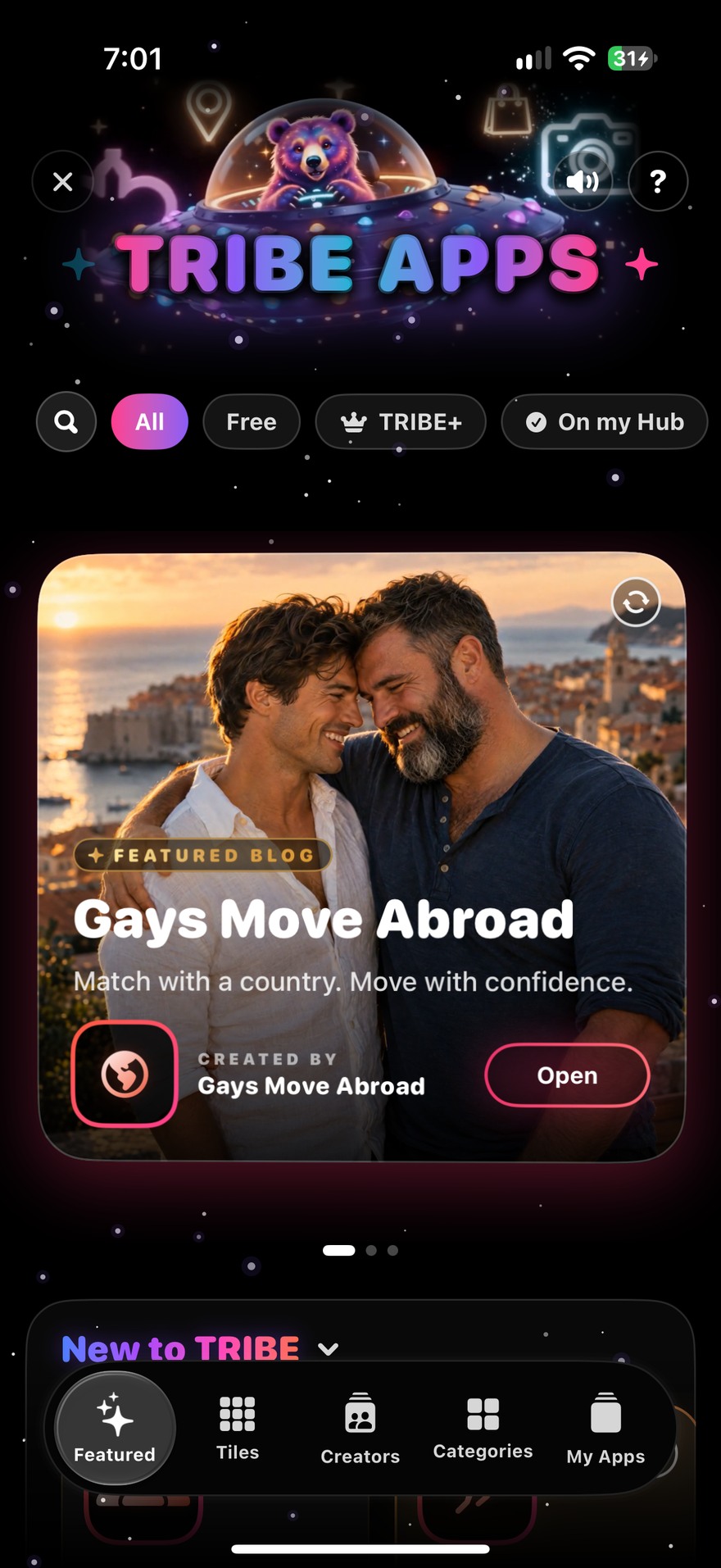
See what a featured app looks like inside TRIBE. Explore the globe, compare countries and use the Country Matchmaker to start a shortlist.
Draw, scratch, color or jot a note. Start with a coloring page like Galaxy Burst, then share a finished piece when you’re ready.

AI IMAGE GENERATION / PREVIEW
Describe an image, pick a style, and see the result before you use it. Give a group its own look or make an illustration for your next post.
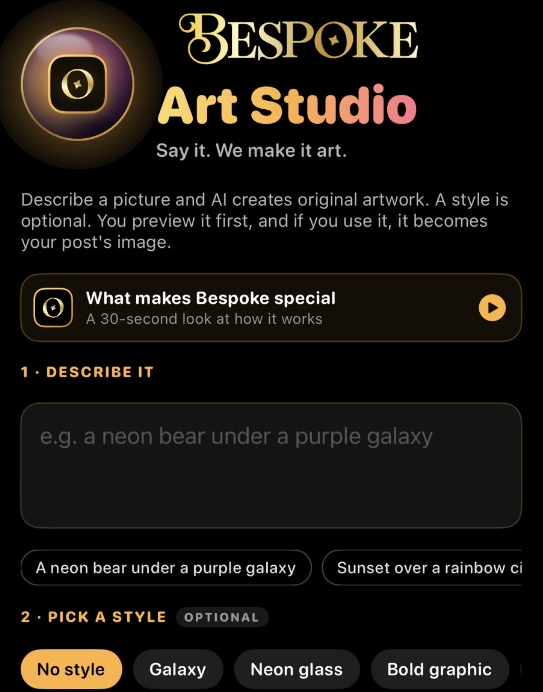
Try a neon bear under a purple galaxy, a group banner, or a graphic for your next series. Start with a description and add a style if you want one.
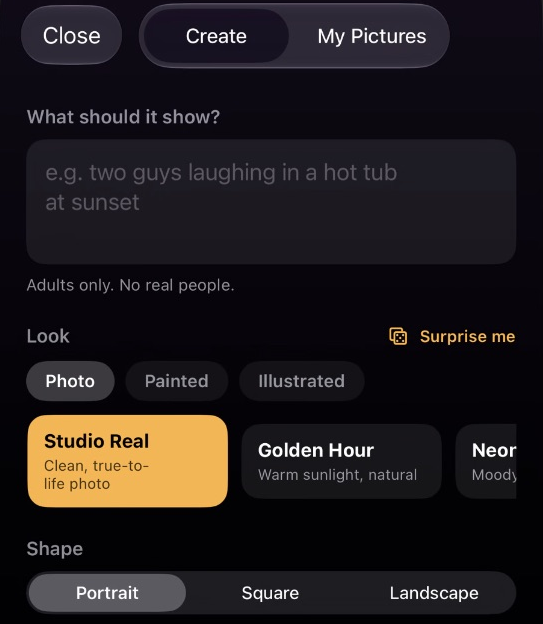
Eligible members in After Dark can describe a fictional adult scene and choose a look and shape. Real-person likenesses, underage subjects and nonconsensual material are prohibited.
Both captures show the creation forms with sample text and controls only. Art Studio uses Bruce Bucks in the preview. Access, cost and availability vary by mode and release.
US iPhone 1.4 Apple’s listing includes feed posts, Stories, profiles, group invites and pins, direct and group chat, and CREAM goals. iMessage invite cards appear in the 1.3 release notes.
TRIBE+ The listing puts Hub tile customization, animated group branding, read receipts, expanded Nearby access, and Apple Watch features under TRIBE+.
Coming soon in the listing Bruce AI, Bearback Band, and Hi, It’s Me. This tour also shows previews of profile-side controls, TRIBE Games, TRIBE Apps, Gays Move Abroad, Bespoke Sketchbook and Bespoke Art Studio. Public creator enrollment is coming soon.
Checked November 6, 2026. TRIBE membership is 21+. Apple’s storefront rating is a separate classification. App Store listing · Bearback app previews
03 / MAKE IT YOURS
Pick your role and sketch one small activity. You’ll need a TRIBE account and access to the features you plan to use before you invite people.
04 / MAKE THE FIRST MOVE
Write your pilot first, then come back to review it.
Open TRIBE and confirm your pilot works from a member account before sending invitations.
Open TRIBECompare the result with your target. If replies were low, ask your co-host to try the prompt and shorten it before inviting the next group.